Mastering the Art of Photography with Advanced Smartphone Cameras
There has never been a better time to be a photographer. With the advancements in technology, photography has become more accessible than ever before. Gone are the days of needing bulky and expensive DSLR cameras to capture stunning images. Nowadays, with just a smartphone in hand, anyone can take professional-quality photos and truly master the art of photography. But how exactly do you take your smartphone photography to the next level? In this article, we will delve into the world of advanced smartphone cameras and learn how to master the art of photography with them.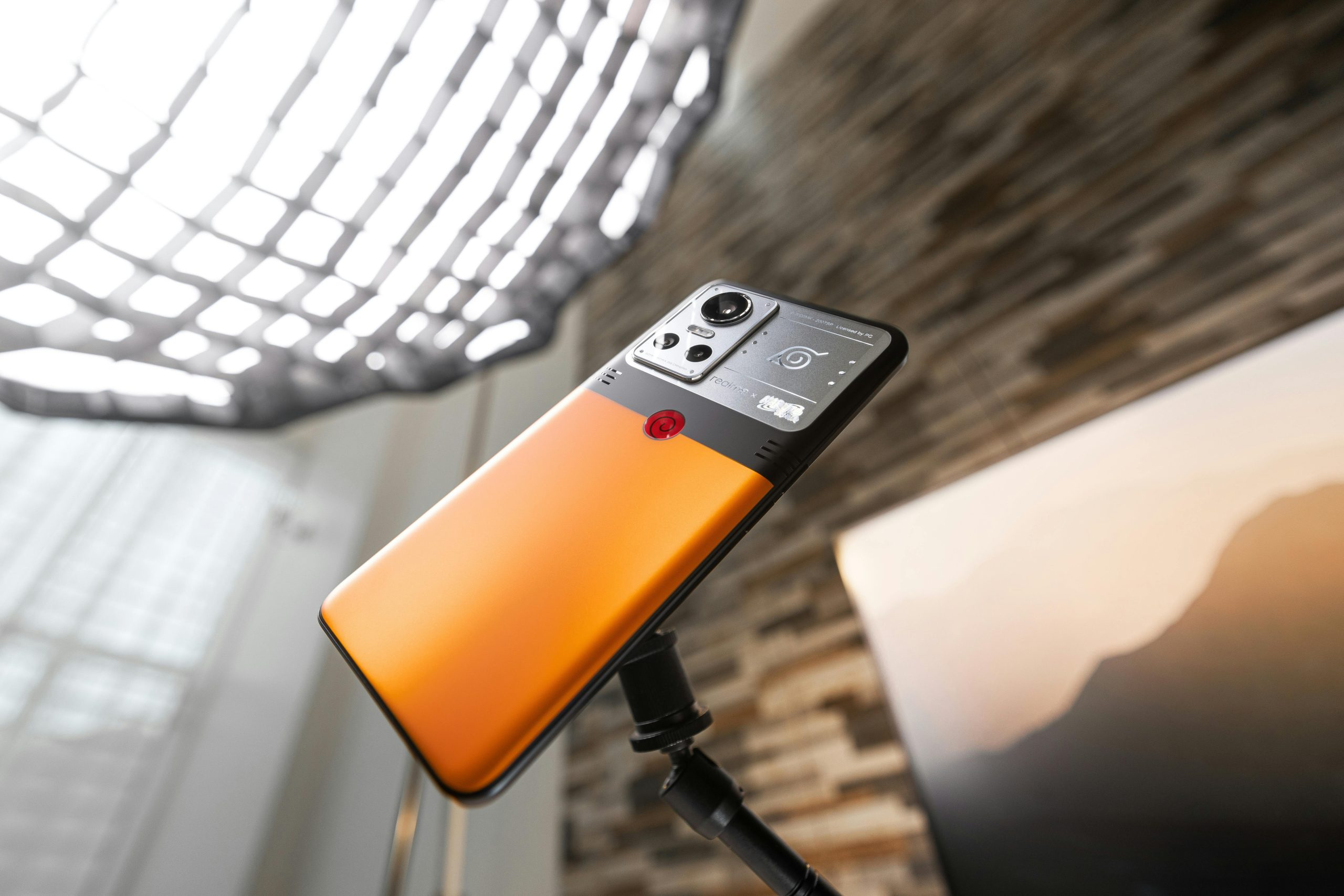
Understanding Smartphone Camera Basics
Before diving into advanced techniques, it’s important to understand the basics of smartphone cameras. Most modern smartphones have at least two cameras – a rear camera and a front-facing camera. The rear camera is the main camera and typically has a higher resolution and better quality, while the front-facing camera is primarily used for selfies and video calls. Knowing how to switch between these two cameras and adjust their settings is the first step to mastering smartphone photography.
Utilize Manual Mode
Many people shy away from manual mode on their smartphone cameras, as it can seem overwhelming at first. However, by using this mode, you have more control over the camera’s settings and can achieve better results. Adjusting the ISO, shutter speed, and white balance can make a big difference in the appearance of your photos. It’s worth taking the time to experiment with manual mode and see how it can enhance your photography.
Experiment with Different Angles and Perspectives
One of the biggest advantages of using a smartphone for photography is its portability, allowing you to capture photos from various angles and perspectives. Don’t feel restricted to taking photos at eye-level, try getting down low or shooting from above for a unique shot. You can also experiment with using different objects as frames or using reflections to add another dimension to your photos.
Take Advantage of HDR Mode
High Dynamic Range (HDR) mode is a feature found on most modern smartphone cameras. This setting takes multiple photos at different exposures and combines them to create a well-balanced image with enhanced details and colors. It’s especially useful when taking photos with high contrast between light and dark areas. Play around with HDR mode and see how it can improve your photos.
Editing Apps for Professional Touch
Despite having advanced camera capabilities, most smartphone photos can still benefit from a little editing. Fortunately, there are plenty of user-friendly editing apps available to help you achieve a professional touch on your photos. Here are a few popular options:
Adobe Lightroom
Adobe Lightroom is a powerful and popular editing app that offers a wide range of tools for enhancing photos. Its user-friendly interface makes it a great choice for editing on-the-go, and you can access it through a free mobile app or a subscription-based desktop version. With Lightroom, you can adjust lighting, contrast, colors, and more to make your photos truly stand out.
VSCO
VSCO provides a more simplistic editing approach, with pre-set filters and minimal adjustments available. This app is great for beginners or those who prefer a more natural look to their photos. It also offers a community aspect where you can share and discover other users’ photos.
Snapseed
Snapseed is a free, user-friendly app that offers both basic and advanced editing tools. It also has a variety of filters and effects that you can apply to your photos. Plus, you can save your editing steps as a template to use on future photos, making the editing process even more efficient.
Practice Makes Perfect
As with any skill, the key to mastering smartphone photography is practice. Take the time to experiment with different techniques, apps, and settings. Don’t be afraid to make mistakes and learn from them. It’s also helpful to follow other photographers on social media and observe their techniques and styles. With dedication and persistence, you’ll be taking professional-quality photos with your smartphone in no time.
In Conclusion
Smartphone cameras have come a long way, and they continue to improve with each new device. With the tips and techniques mentioned in this article, you can take your smartphone photography to the next level and truly master the art of photography. Remember to have fun, stay curious, and keep practicing to unleash your full potential as a photographer. Happy shooting!